
Professional installation of your Starlink satellite kit across Cowra, Canowindra, Grenfell, Woodstock, Boorowa, Gooloogong and the wider Central West. Out on rural blocks with poor mobile and no NBN fixed line, Starlink is the connection - but only if the dish is mounted high with a clear northern sky view and the cabling is done properly. We install the hardware you've purchased, neatly and reliably. Independent local electrician - not affiliated with Starlink or SpaceX.
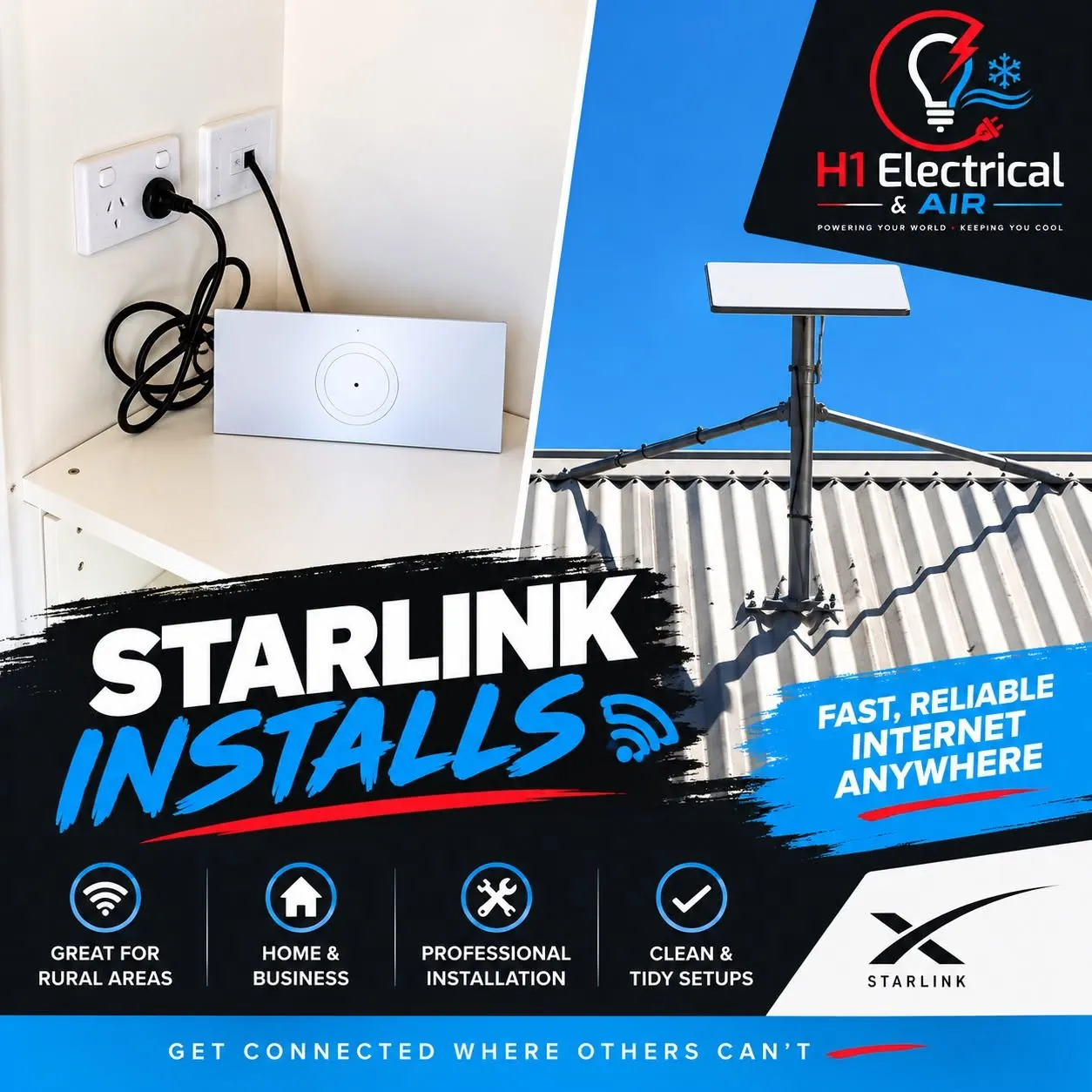
A Starlink kit in the box is only half the job. The connection lives or dies on where the dish sits and how the cable and wifi are run. On a rural Central West block that means getting the dish up above the trees and roofline for a clear northern sky view, sealing the cable entry against the weather, and carrying the signal all the way out to the shed. We install the hardware you've purchased and set it up to work properly.
Town house, farmhouse, tree-covered acreage or a big machinery shed - the right mount and wifi setup depends on the site. Here's what a rural Central West Starlink install usually involves.
The neatest option where the roofline already clears the northern sky - dish fixed securely to structure, short cable run, and a tidy weatherproof entry into the roof space.
For treed or low-set blocks, a ground pole or tall mast lifts the dish above the canopy and rooflines to a clear sky view - concreted in and braced to stand up to the wind.
Before we drill anything we run the Starlink app's obstruction check to map trees, tanks and rooflines, then choose the spot and height that gives the most reliable connection.
UV-rated cable clipped and routed neatly along the roof and wall, sealed cable entry, and no lead trailing across the yard or jammed through a window gap.
Big rural houses are usually too much for the standard router alone. Mesh nodes and wifi extension carry a strong signal to bedrooms, the office and the far end of the home.
Machinery sheds, granny flats and detached offices out past the main house - we extend the wifi across the property so the connection reaches where you actually work.
Tell us about your block and we'll work out the best spot for the dish and how to get the wifi everywhere you need it.
A straightforward roof mount is a few hours; a tall mast on a treed block or whole-home and shed wifi takes longer. We'll be straight about timing upfront.
We look at the block, run the Starlink app obstruction check, and find the spot and height that gives the clearest northern sky view and the tidiest cable run.
Roof, eave, pole or mast - the dish goes up secure and rated for the weather, positioned to clear trees and rooflines and hold a solid connection.
UV-rated cable routed neatly with a sealed, weatherproof entry, then the power supply and router set up tidily somewhere the wifi radiates well.
We bring the connection online, add mesh or wifi extension for the far rooms and the shed, and confirm you've got strong signal where you need it before we leave.
A Starlink install often pairs well with other electrical work around the house, shed or office - handy to combine into one visit.
Powering a shed or office for wifi gear and equipment sometimes reveals an old or full board. We can quote and combine a board upgrade in the same visit.
View ServiceA tidy setup needs power where the router and mesh nodes live - extra outlets in the office, shed or a spare bedroom while we're on site.
View ServiceSorting the connection and thinking about an EV too? A dedicated wall charger on its own circuit is another job worth doing while we're out at the property.
View ServiceFill this in and Hayden will get back to you - usually same day. The more detail the better the quote. Prefer to talk? Phone 0401 362 936 any time.